

Photoshop Text Effects have gained popularity within a couple of years now. The credit goes to Adobe which is adding new tools to Photoshop with every new release. You have gotten the freedom of using complex typography instead of using dull and boring headlines.
Have a look at the gathering of variety of text effect tutorials below which may inspire you to create your own artwork.
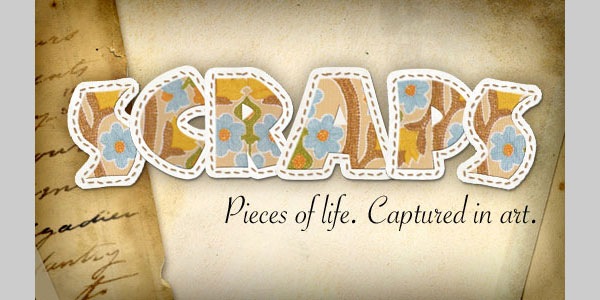
Create A Scrapbook Alphabet
In this Photoshop Text Effect you’ll learn to create a simple Scrapbook style text effect that can be used as a stand alone word treatment or converted to individual reusable .png files with a transparent background.
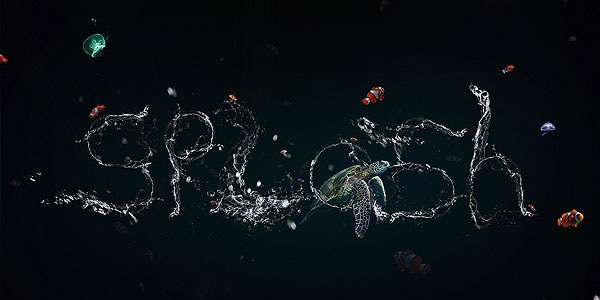
Create a Stunning Liquid Text Effect in Photoshop
By using some clever techniques, we can warp liquids into a variety of shapes to meet our needs. In this case, you’ll learn how to create letters from liquids, and then add in some extra effects for a dynamic composition.
Folded Paper Photoshop Text Effect
There are a couple of nice “folded” text effect tutorials out there, but this tutorial takes a slightly different approach to the concept. We’ll be creating a folded text, and a simple pattern to make it look like it’s cut out from a notebook. The letter “O” will be used to illustrate the concept, as it needs a little bit extra work done to it.

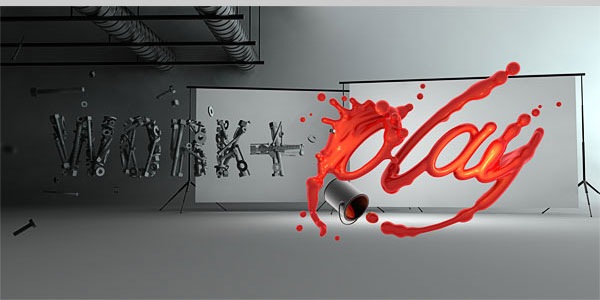
How to Create an Incredible Typographic Illustration
In this two-part tutorial, we’re going to learn how to bring a simple proverb into a complex typographic illustration that achieves a level of realism without actually using any photos. Yes, we’re going to build this idea from the bottom up. In the first part, learn how to model your own objects in Cinema 4D and prepare them for isolation in Photoshop.
Creating Good Enough to Eat Typography Photoshop text effect tutorial
Good to eat Photoshop typography tutorial is for you.

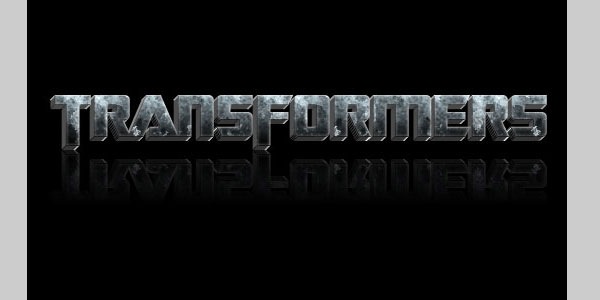
Transformers Effect Photoshop text effect tutorial
You can give your text transformer effect with the help of this tutorial.
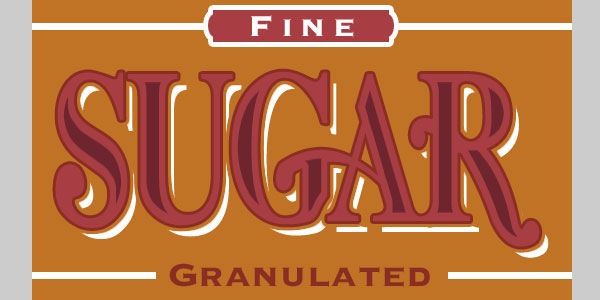
The Sugar Bag Photoshop text effect tutorial
In this tutorial I will show you a neat little text effect using only layer styles and selections.
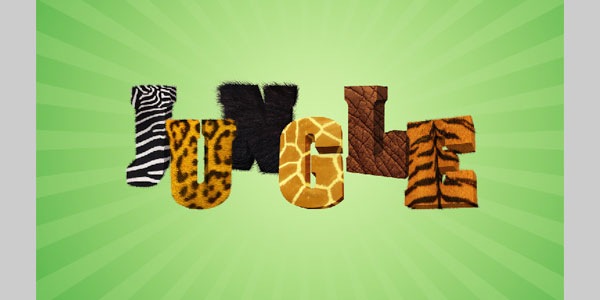
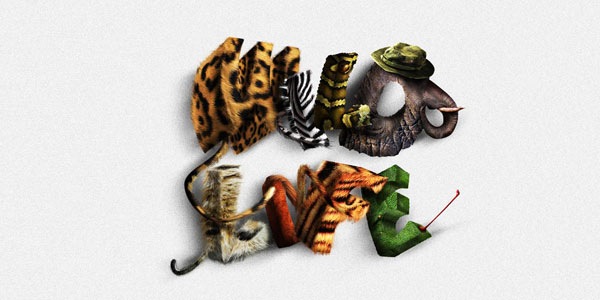
Jungle 3D text in Photoshop
This is a funny Photoshop tutorial that explains how to realize a 3D jungle text effect. We will create the text in Xara3d and we will use Photoshop to texturize the letters using animals’ skin. Don’t forget to download the jungle wallpaper!
Create a Dynamic Shattering Text Effect
In this tutorial, you’ll learn how to create a high quality, dynamic shattering effect for text. You’ll first be guided through the 3D creation of the text, and then the process of shattering it, then you’ll learn how to use the power of Photoshop to create a brilliant and unique result.

Create a Realistic Folder Paper Text in Photoshop
Today we will learn how to realize a folded paper text effect from scratch in Photoshop. We will firstly create the background using a couple of patterns, then we will work on the type treatment with the help of the pen tool, layer masks and other useful techniques related to dodge,burn and the transform tool. This tutorial is very simple to follow, so I suggest to everyone to give a try.

Create a Unique Burning Text Effect
As Halloween approaches we bring you a hell-like burning text effect! Enjoy the tutorial!

Circles Text Effect
In this tutorial we will be creating a neat “retro-ish” text effect, using a nice circles pattern, and applying some layer styles and filters.

Learn to Create Party Photoshop text effect tutorial
This tutorial explains how to use Photoshop layer styles, filters, and brushes to create an awesome sparkly text effect.

Create Gold Ornamental Text in Photoshop
Ornamental text can be created in several ways. Today we will demonstrate how to combine several stock images to create some nice gold ornamental typography. Let’s get started!

Vintage 3D Typography in Photoshop with Repousse
So in this tutorial I will show you how to create a super cool and very easy effect using Photohosp and the Repoussé tool. The whole process is quite simple, it’s less than 10 steps and won’t take you more than 30 minutes.
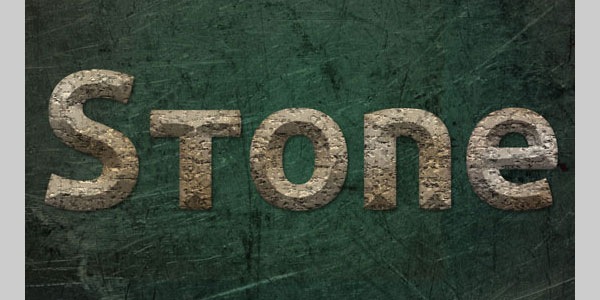
Stone Text Effect
This tutorial will explain how to create a stone-like texture using some filters, and a beveled style to place the texture on, in order to create a nice old-looking stone text effect.
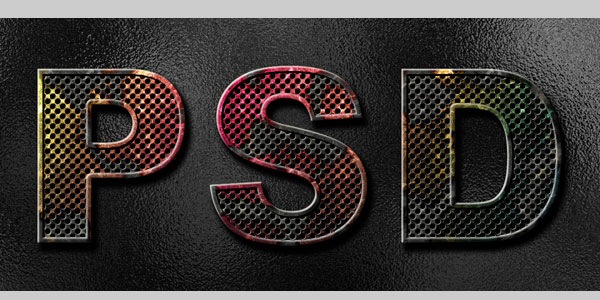
How to Create Eroded Metal Text With Photoshop
In this tutorial I’ll show you how to create an eroded metal text effect. Throughout this tutorial we’ll make use of various drawing techniques, channels, and patterns. Let’s get started!
Fantasy Spring Text Effect
This tutorial will show you how to create a simple brush, then modify its settings, in order to create a nice fantasy spring fresh text effect.

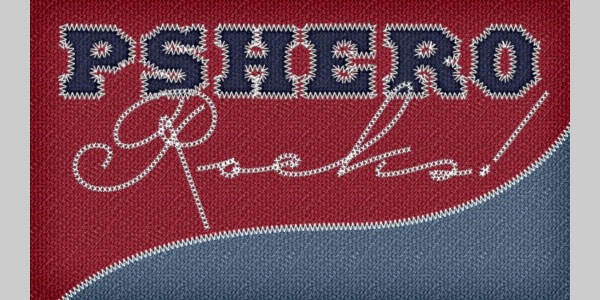
Text In Stitches
The brush set I’ll be sharing with you today has been in my collection for probably five of six years and every once in a while I’ll find a good reason to load it into my brushes palette. If you’ve never done that before, don’t worry, I’ll walk you through it as we go.
Create Animal Textured Typography
In this tutorial we are going to create fun, realistic, animal textured, 3D typography in Photoshop using CS5’s Repousse tool. Let’s get started!
Create a Funny Wooden Type Treatment in Photoshop
In this tutorial I’ll show you how to easily create a wooden text effect. We will start from a polygon, then we will play with wood textures and with layer styles to achieve a really funny result. I’ll go in depth with each step so that Photoshop beginners will find the process easy to follow.
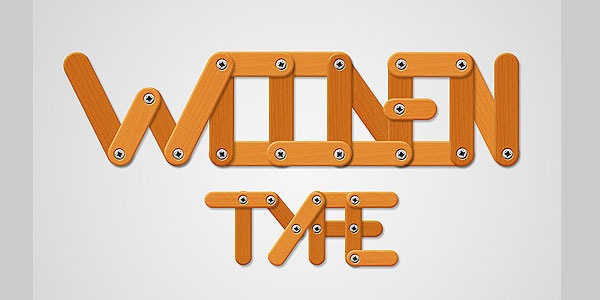
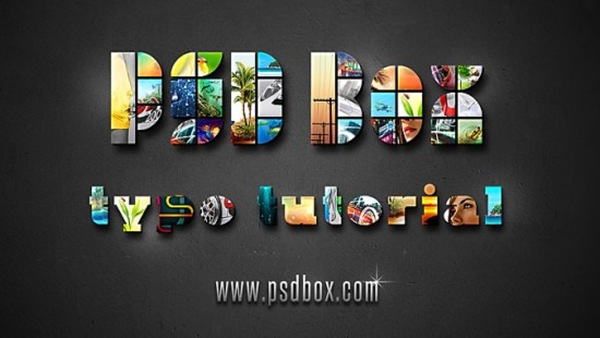
Photo Mosaic Photoshop Text Effect
In this short tutorial I will show you how to create a mosaic type effect using random photographs and a bold font. All you need are some pretty photos you can get from anywhere and creativity. This is really easy to do but you can get some very impressive results if your put your creative mind to work.
Awesome Broken Plate Text Effect
In this tutorial I will explain how to realize funny letters that look like broken plates. We will start in Illustrator modifying the original font, then we will switch to Photoshop in order to play with textures and layer styles. Also we will deal with selection tools and simple methods to create 3d illusion always in Photoshop.

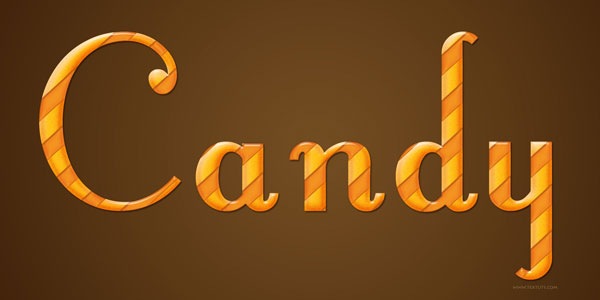
Glossy Candy Text Effect
This tutorial will help you create an awesome glossy candy text effect in a simple way.
The Revolution Artwork
This was an artwork for a cover album named: “The Revolution”. The idea behind this artwork was to combine the colors of Trance music and the evolution. I did some researchs on Trance albums and they seems to use a lot the blue color so I picked blue. I could have chosen some red for expressing the evolution but why not orange! I wanted to make it different! I won’t be telling you all the steps in detail but I’ll be giving you hints that will help you make your “own”design.

Cool Text Effect with the Puppet Warp Tool in Photoshop CS5
So in this tutorial I will show you how to create a text effect using a photo of a rope and the Puppet Warp tool. This tutorial will only work with the CS5 version and I believe it won’t take you too much time.

Create Unique Sports-Themed Lettering
What about creating sports themed text in sports themed letters. This tutorial teaches you to create sports themed lettering.

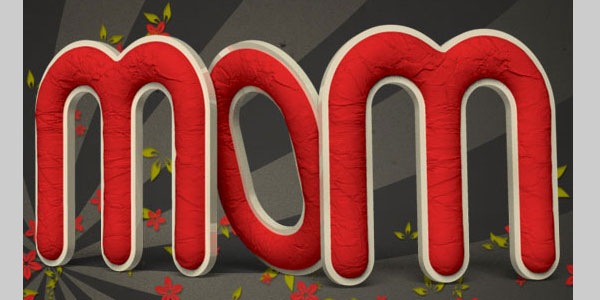
Crumpled Paper Textured 3D Text Effect In Photoshop CS5
This is Part 2 of this tutorial. This part will explain how to decorate the 3D text created in Part 1, and finalize the effect, using some brushes, textures and adjustment layers.
Create a Spectacular Grass Photoshop Text Effect
This tutorial is made up of three parts—the background, the text itself, and some final extra effects. So first of all we’re going to make a background. To do this we create a new document in Photoshop. I made mine 1920 x 1200 because I want this image to sit on my laptop background.

Create Elegant, Glassy, 3D Typography in Photoshop and Illustrator
In today’s tutorial, we will demonstrate how to create elegant, glassy, 3D typography using Photoshop and Illustrator. For this project, I used my company logo. Feel free to apply this effect to any logo, text, or shape. Let’s get started!